
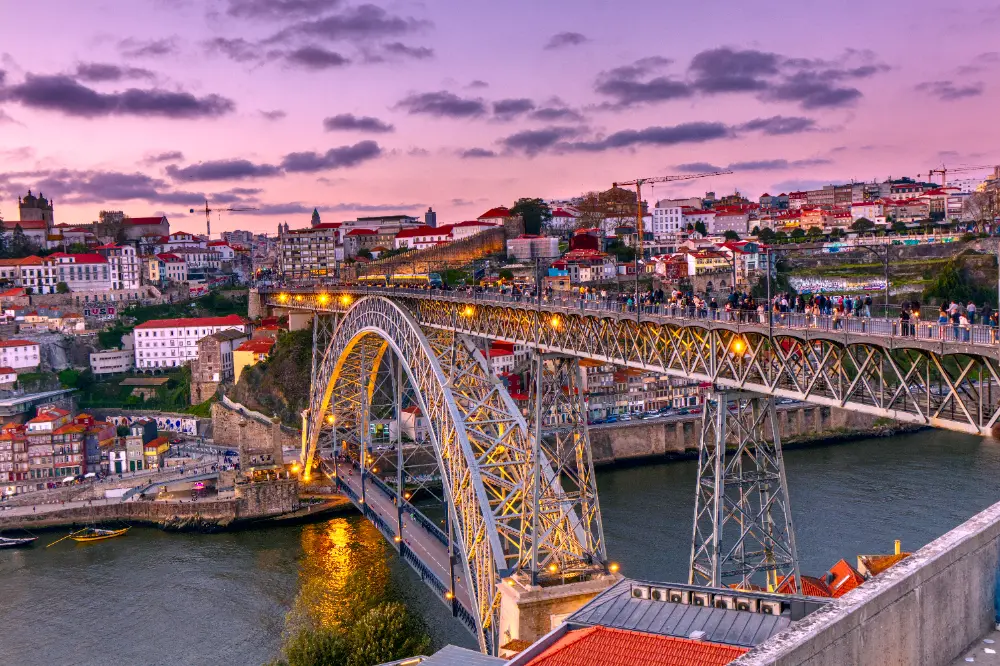
As we recently discussed, the new AgX module gives you fine-grained control over the highlights. However, additional steps may be required to really bring out the details in very bright areas like the sky. Let's look at several techniques for enhancing contrast in the highlights below.
Blue Saturation
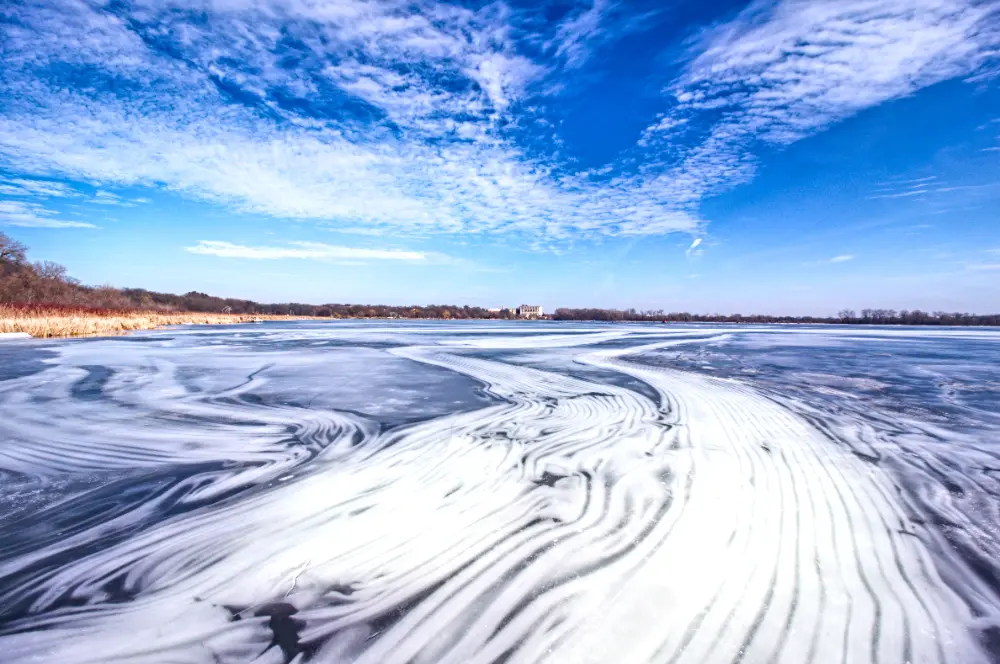
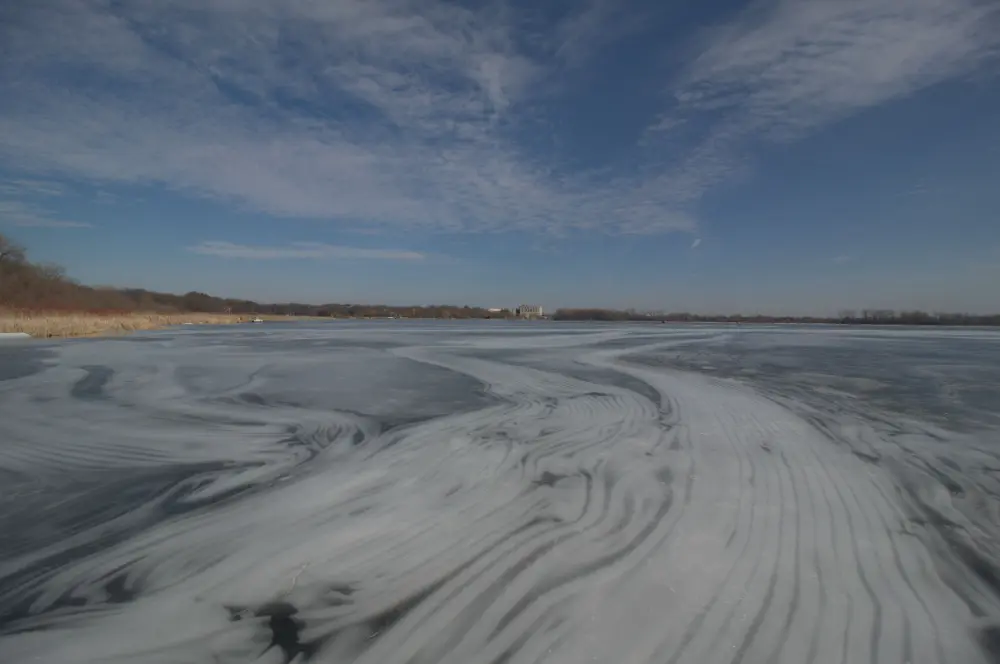
Often times, the sky can appear washed out due to haze or the brightness of the sky relative to the foreground. Therefore, a simple technique, as discussed here, is to use an instance of tone equalizer and the RGB Blue Channel blend mode. This allows you to target specific areas of the image for enhanced blue saturation simply by raising the curve in those areas:
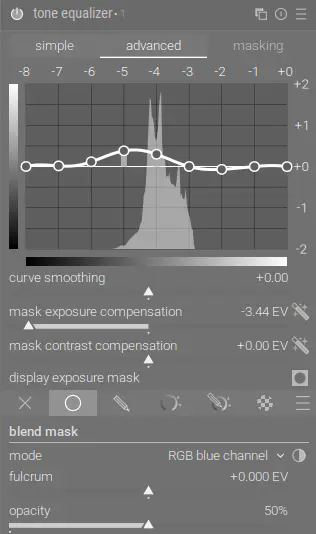
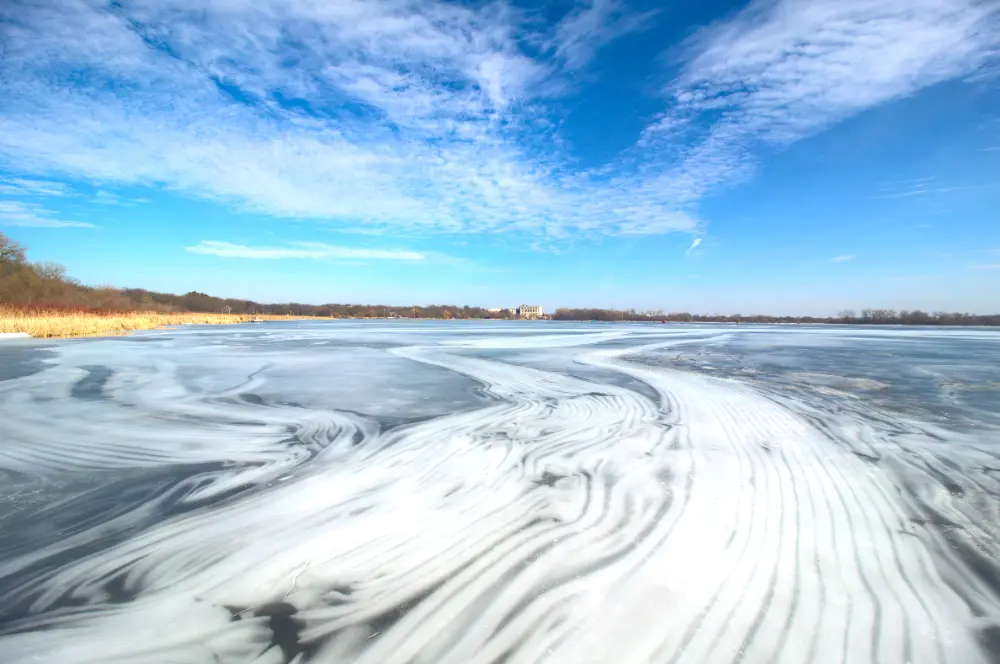
You could use a drawn mask to restrict the effect just to the sky, but in this case the added blue looks good on the frozen lake too. If the effect is too intense, you can easily reduce it by adjusting the curve or reducing the module's opacity.
We can also bump the contrast a bit further with an instance of contrast equalizer and an instance of local contrast:
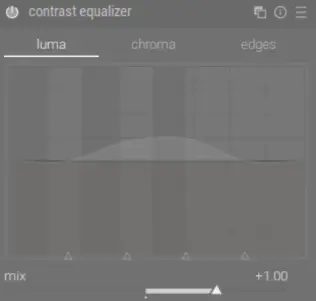
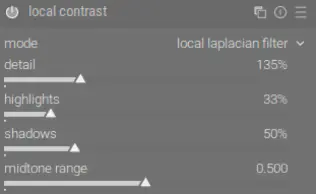
Combined, this makes a dramatic difference with the image:
Cloud Contrast
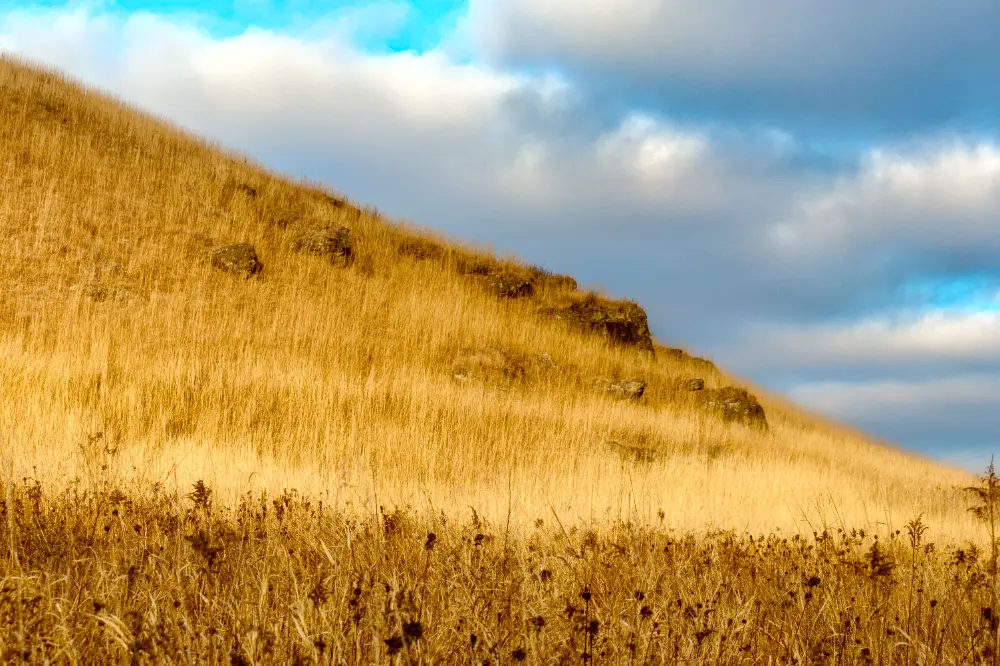
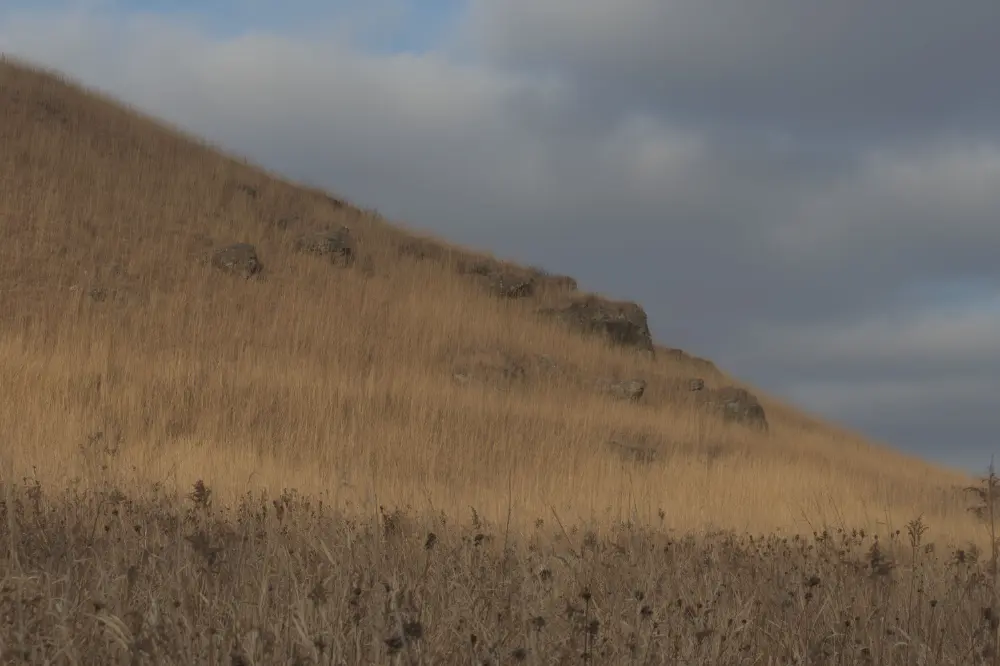
We can use an instance of local contrast with the multiply blend mode to increase contrast in the clouds:
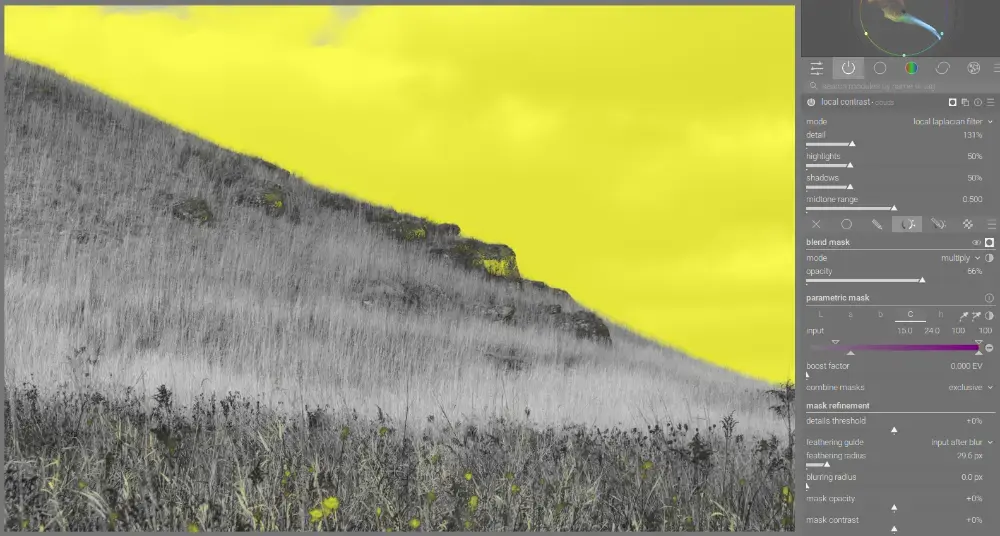
This blend mode causes the effect to darken parts of the image, increasing the contrast. Notice also that we use a parametric mask with the C channel to only mask the areas with less saturation (the sky).
In addition, we can use an instance of contrast equalizer again with drawn and parametric masks to restrict this effect to just the clouds:
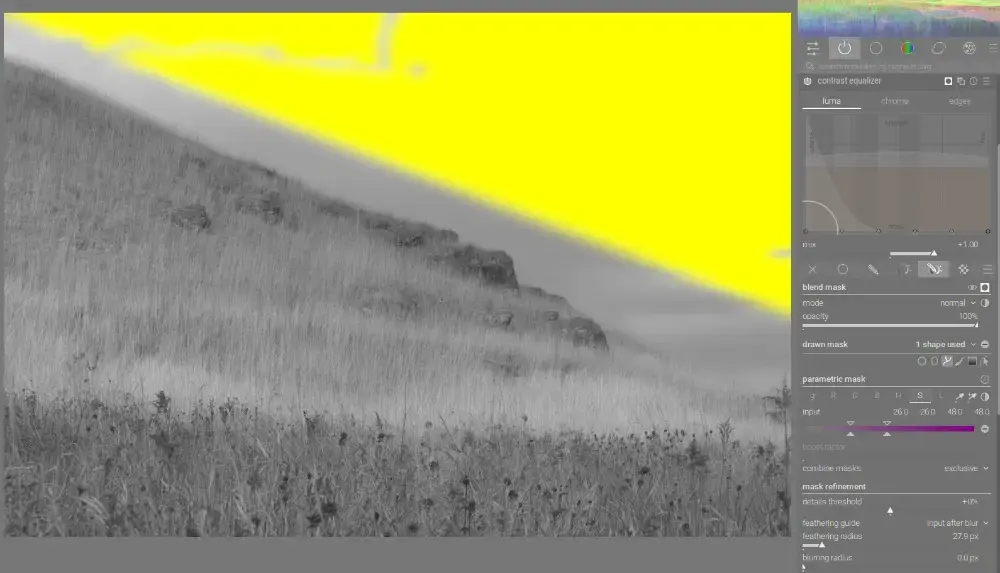
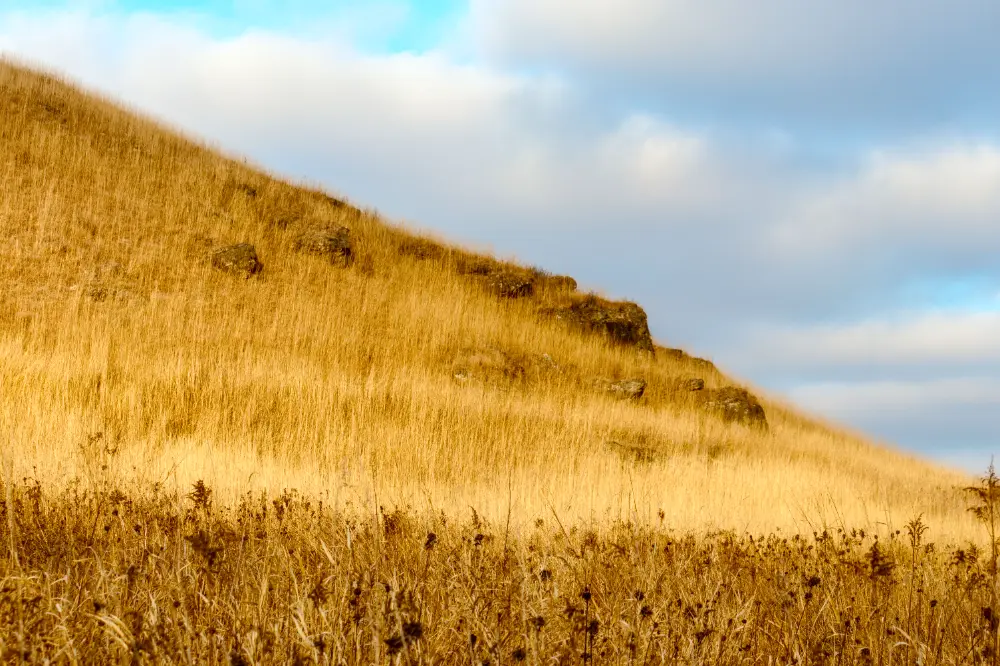
Note how there's a space between the edge of the mask and the start of the grasses and rocks - this is because contrast equalizer can introduce halos along the edge transition from grass to sky. Since the clouds right next to the ridge line are pretty featureless anyway, we can draw the mask with a buffer to avoid this distortion. The combined effect of these two modules can be seen below:
Putting It All Together
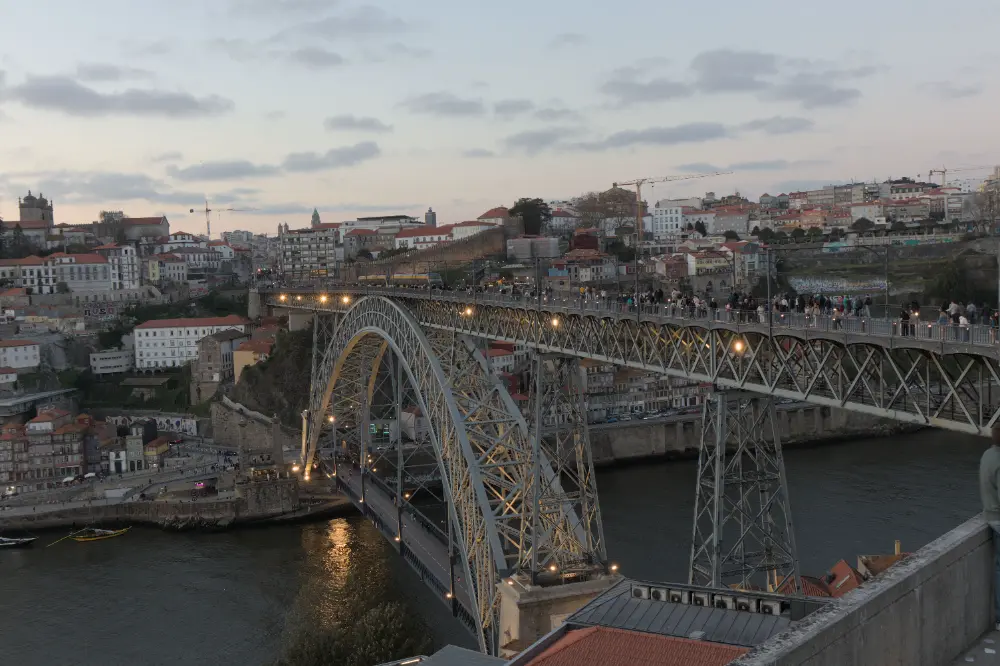
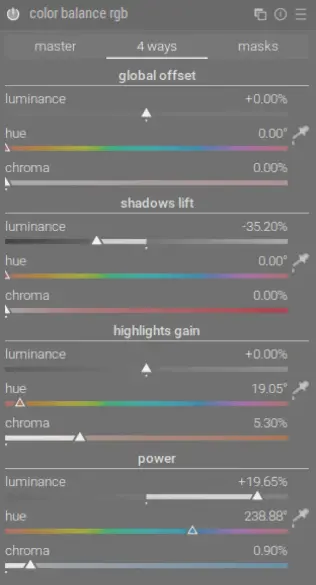
This image combines the above techniques - local contrast, contrast equalizer, and tone equalizer. In addition, we use color balance rgb for some color grading on the sky so it has more colors from sunset:
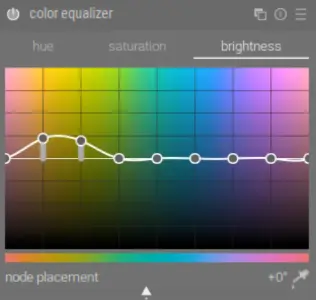
We'll also use an instance of color equalizer to boost saturation and increase the brightness of the yellow lights on the bridge:
Note also that I checked the disable adjustments checkbox on the primaries tab of AgX as well since we don't need to attenuate these relatively unsaturated colors and we are using color balance rgb for color grading later.
Conclusion
There's a new scene-referred local contrast module under development. If this ends up in a future release, it will provide an even more powerful tool for adjusting local contrast.
For additional discussion on the topic of local contrast in the highlights, see this excellent video by Boris Hajdukovic.