The Historic Bank on Royal Boulevard

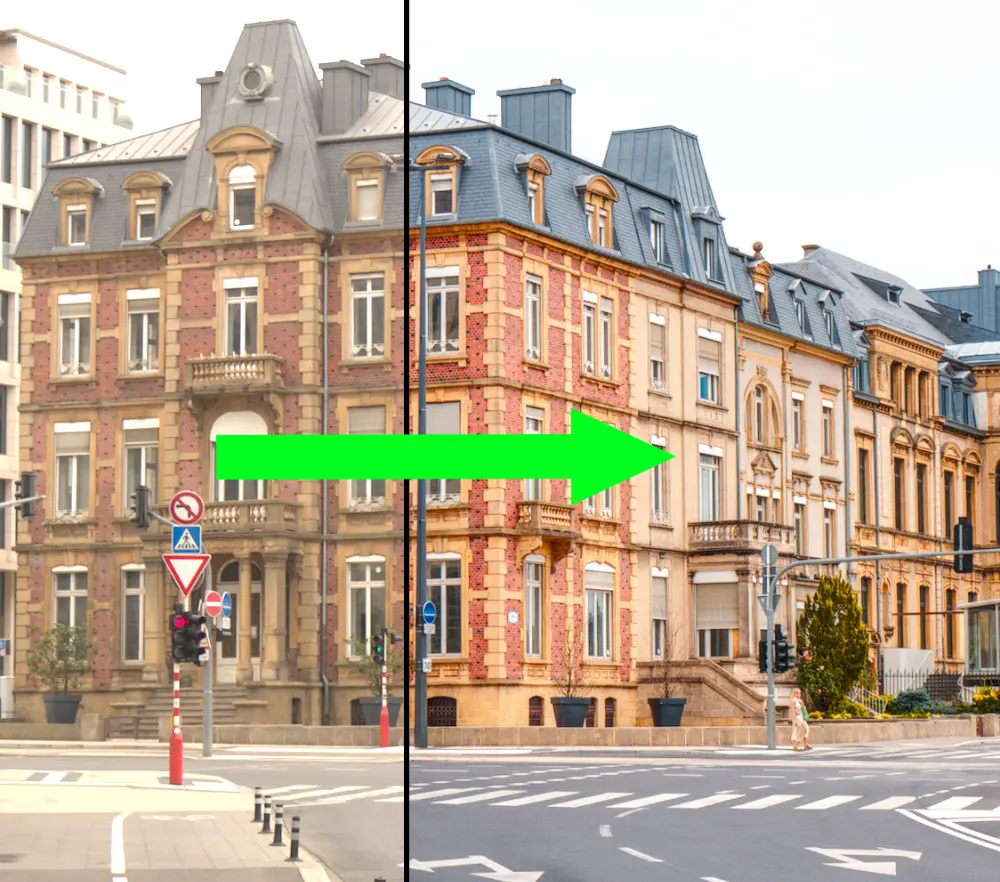
Let's look at how to highlight this beautiful historic bank building amidst the busy urban scene on Royal Boulevard.

Let's look at how to highlight this beautiful historic bank building amidst the busy urban scene on Royal Boulevard.

Not only can you create powerful masks quickly in darktable, you can also reuse them in multiple modules, saving time and allowing you to apply different types of changes (e.g. exposure, color, or detail) to the same masked area. Let's look at some examples of how to reuse masks below.

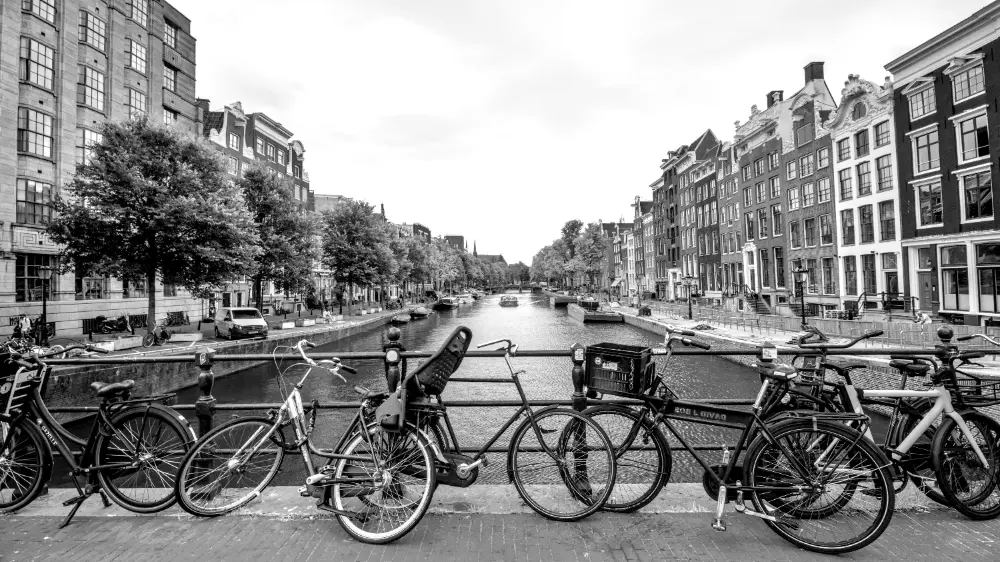
In this image, we are using an instance of the LUT 3D module with the Kodak T-Max 400 LUT from RawTherapee to convert it to black and white. The above version is good, but you can create many more moods and styles by adding color back in after converting to black and white. Let's review some examples below.

Shooting into the sun can result in underexposure and a loss of detail, especially in the shadows. If the situation forces you to shoot into the sun, learn how to compensate for these effects in darktable.

We've discussed a number of different ways to adjust colors in darktable, including color balance rgb, the channel mixer in color calibration, rgb primaries, and color equalizer. In the upcoming 5.6 release of darktable, a new module called color harmonizer makes it easier and more intuitive than ever to adjust an image to match a color palette. Let's review some examples of how to use this exciting new module.